How to Create a Website in 2 Minutes with AI Using Websites and Prompts
Create a professional website in just 2 minutes using Websites and Prompts. Explore modern website designs, enter your details, generate a personalized AI prompt, and create your website with Bolt, Claude, or Lovable—no coding required to get started.
How to Create a Website in 2 Minutes with AI Using Websites and Prompts
Want to create a beautiful, professional website in just 2 minutes without writing a single line of code? With AI and the right prompt, it's easier than you might think!
Creating a website used to be a complicated process. You needed coding knowledge, design experience, and plenty of time to turn an idea into a working website.
Then came drag-and-drop website creators, followed by AI-powered tools that completely changed how people create websites.
Today, tools like Bolt, Claude, and Lovable can turn written instructions into functional website designs.
But there's still one important challenge: How do you write an AI prompt that creates the website you actually want?
That's exactly why we created Websites and Prompts.
Our platform helps you discover professionally designed website templates, personalize your chosen design, and generate an AI-ready prompt without writing complicated instructions yourself.
Choose a design. Enter your details. Generate a prompt. Create your website.
Let's walk through the entire process!
What Is Websites and Prompts?
Websites and Prompts is a platform designed to make AI-powered website creation simpler and more accessible.
Instead of starting with an empty AI chat and trying to describe every detail of your ideal website, you can explore a collection of modern website designs and select one that matches your vision.
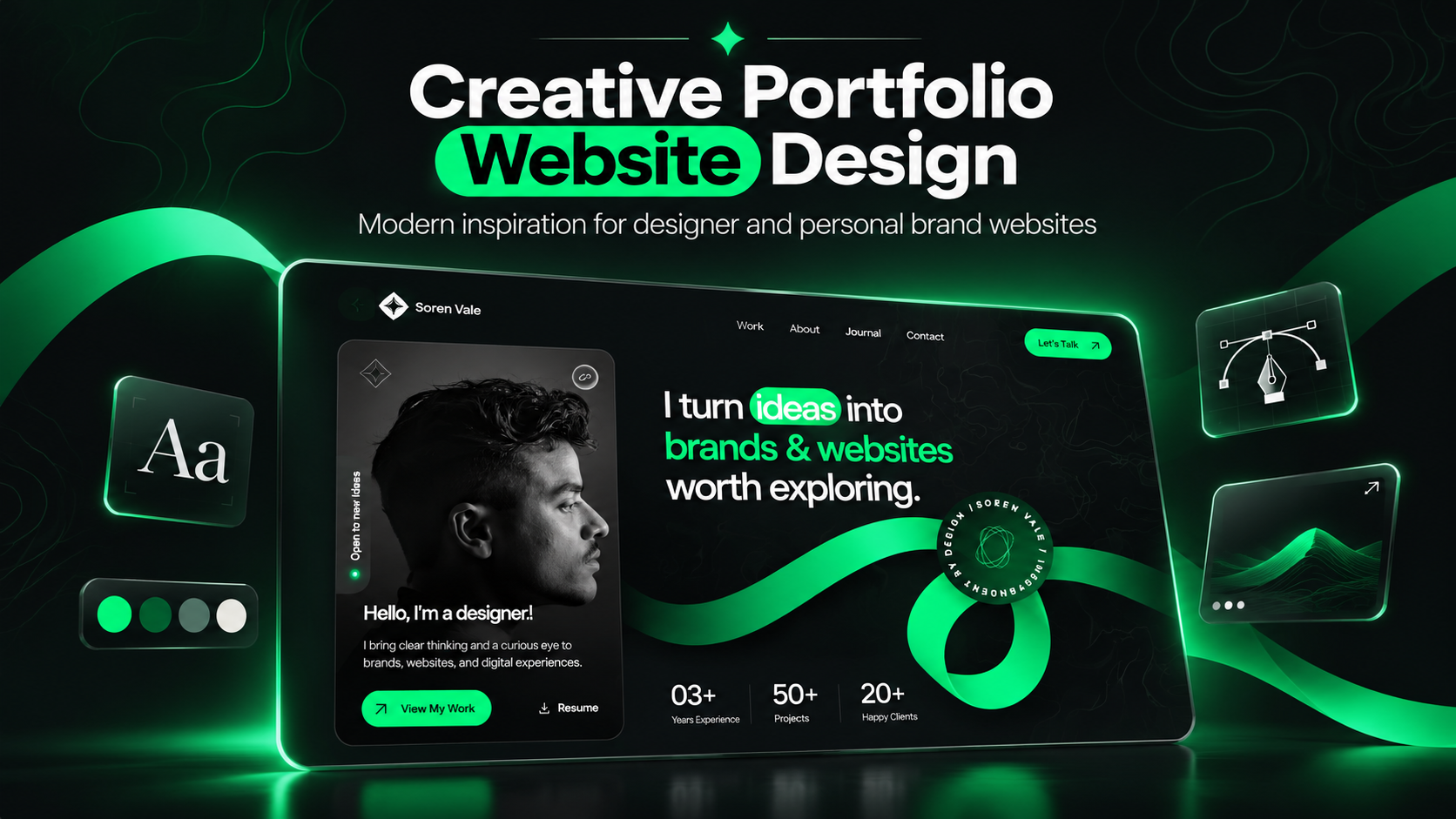
From business websites and creative portfolios to agency websites and personal projects, our collection offers designs for different needs and styles.
Once you've selected a design, simply enter your website information and generate a personalized AI prompt.
You can then use the prompt with AI website creation tools such as Bolt, Claude, or Lovable to begin creating your website.
No complicated prompt writing. No need to design every section manually.
Just a simpler way to turn your website idea into reality.
How to Create a Website in 2 Minutes: Step-by-Step Guide
Ready to create your first AI-powered website?
Follow these seven simple steps to go from choosing a design to previewing your new website.
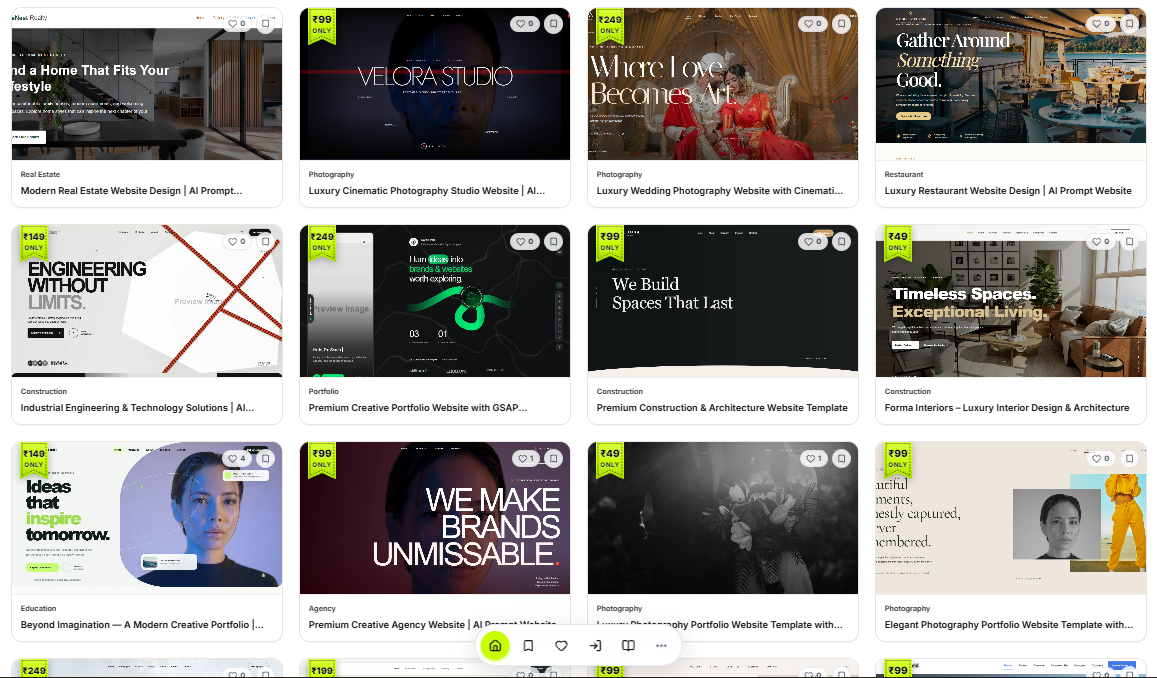
Step 1: Explore and Choose Your Favorite Website Design
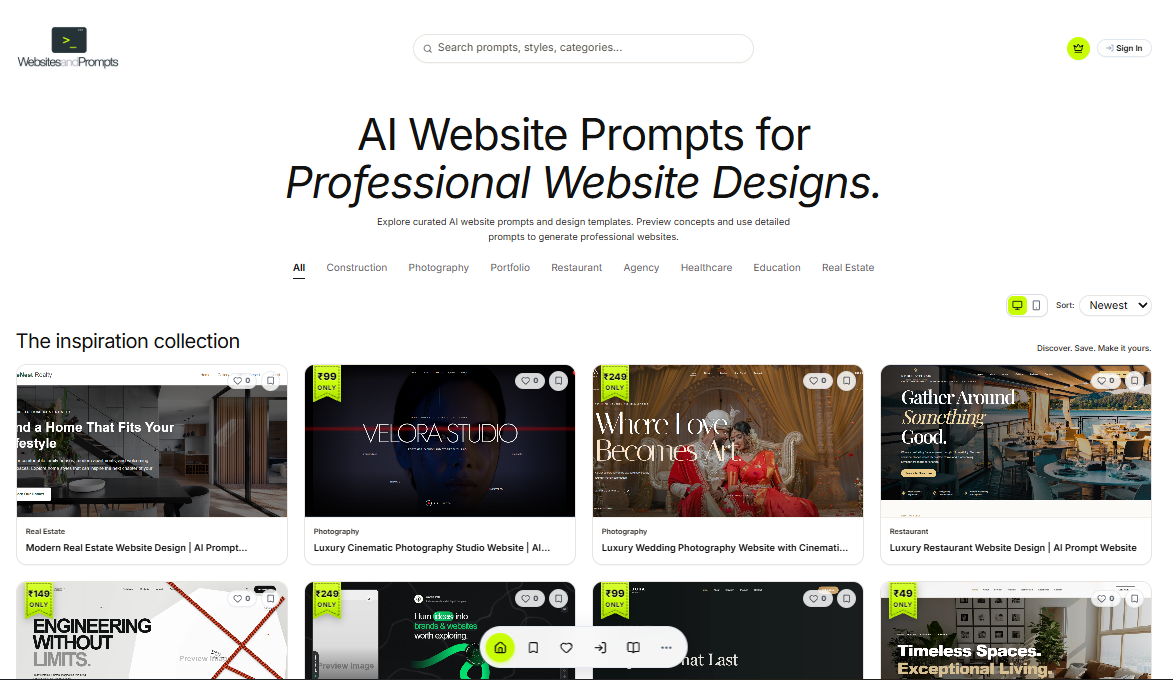
Start by visiting Websites and Prompts.
Browse our collection of professionally designed website templates across different categories.
Whether you're creating a website for your business, personal portfolio, digital agency, or creative project, you can explore different designs and find the one that suits your requirements.
Take a look at the available layouts, typography, colors, and design styles.
Once you find a design you love, select it to continue.
Step 2: Sign In with Your Google Account
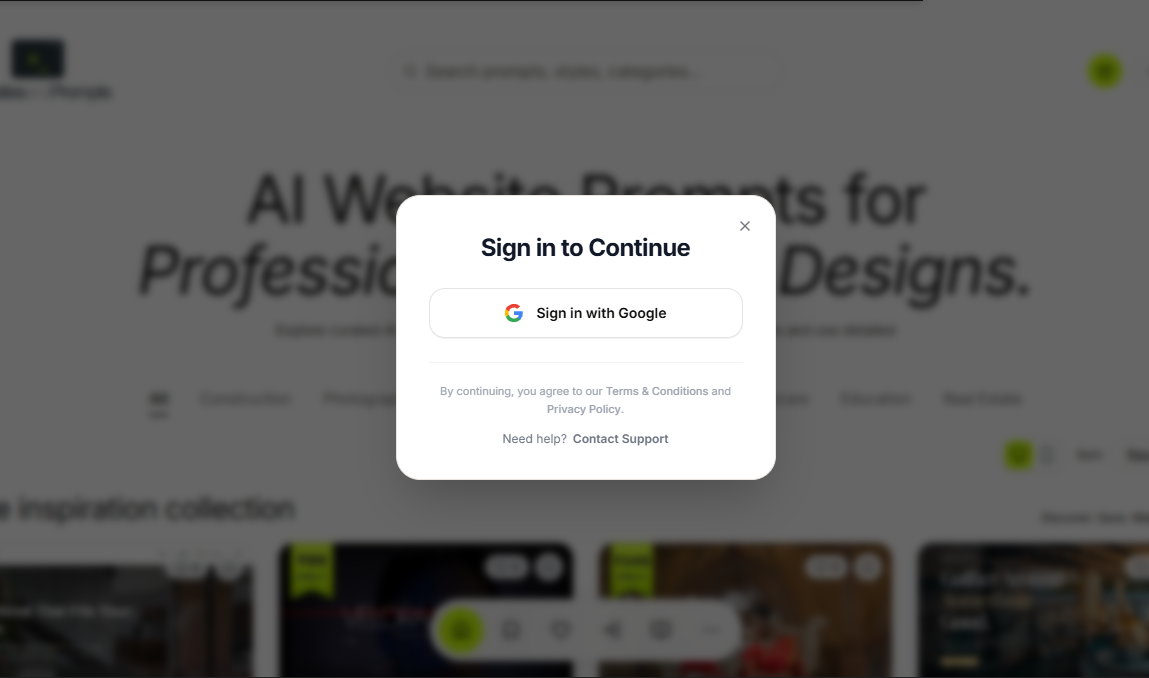
To access the prompt generator, sign in using your Google account.
Our Google sign-in option makes it easy to access the platform and continue with your selected website design.
After signing in, you can move forward with exploring the template and generating your personalized AI prompt.
Step 3: Preview Your Website Design Before Creating It
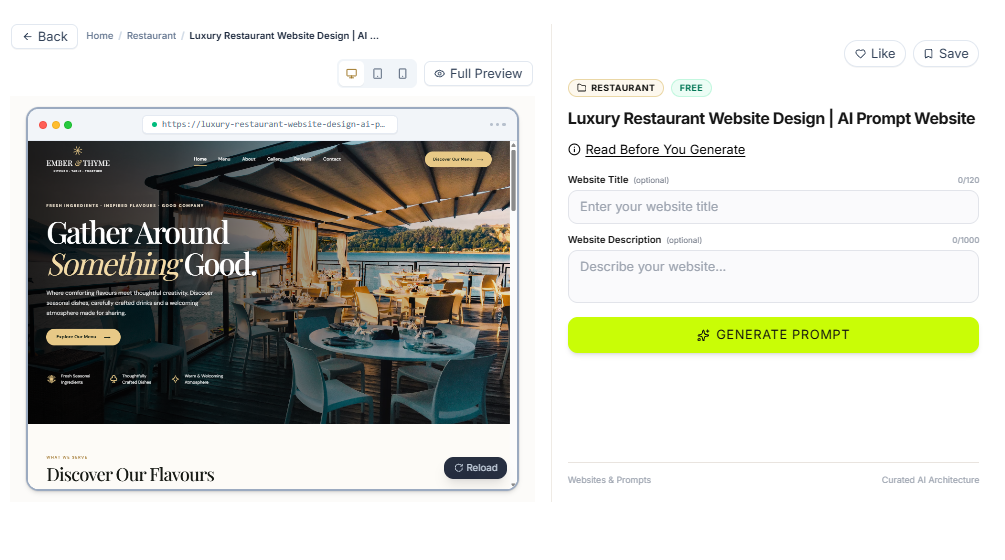
One of the most useful features of Websites and Prompts is the ability to explore website designs before using them.
Once you select a template, you can open its interactive live preview.
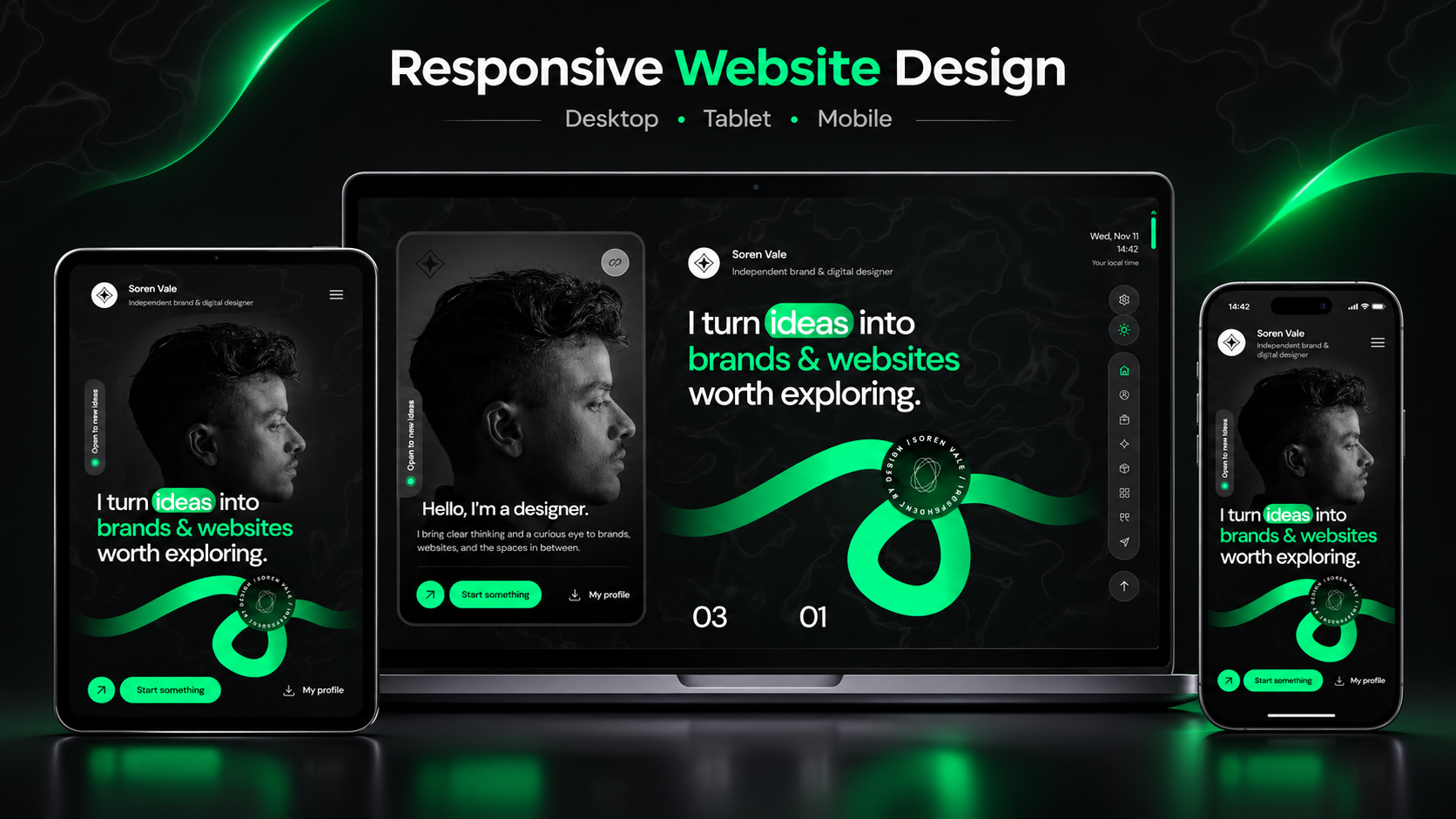
You can switch between desktop, tablet, and mobile views to see how the design adapts to different screen sizes.
You can also explore website sections, interact with available elements, and understand the overall design experience.
Our platform offers both free and premium website design prompts.
Premium designs are available at prices ranging from ₹49 to ₹249, making it easier to find an option that matches your budget.
We also offer subscription options for users who want access to our complete website prompt collection.
Explore the design first. Choose what you love. Then make it your own.
Step 4: Enter Your Website Title and Description
Now it's time to personalize your selected design.
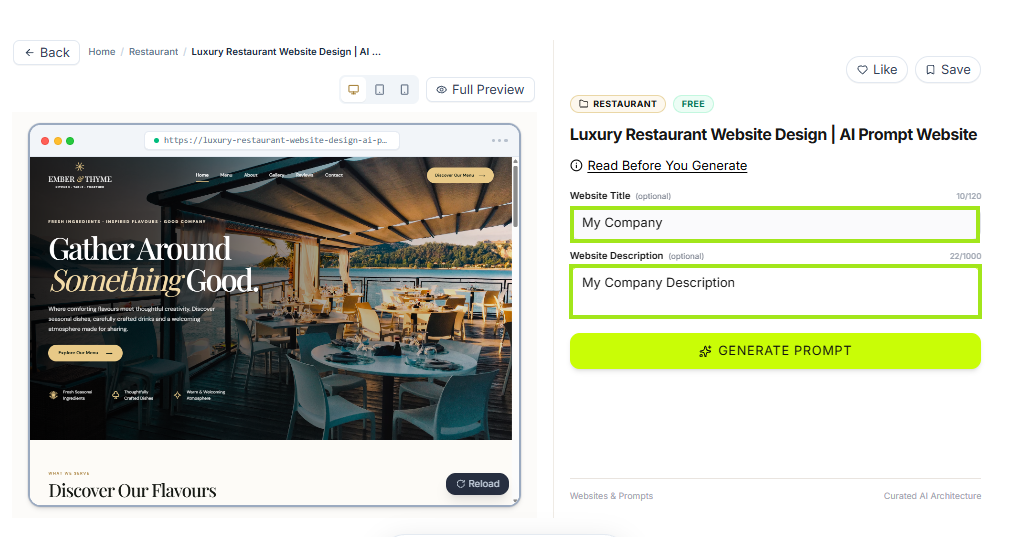
You only need to provide two details:
Website Title: Enter the name of your business, brand, portfolio, or website.
Website Description: Write a short description explaining what your website is about and what you want it to include.
For example, imagine you're creating a website for a software development company.
Your website title could be NovaTech Solutions, and your description could explain that your company provides custom software development, web applications, and digital solutions for businesses.
Our prompt generator uses this information to personalize the instructions for your chosen website design.
Two simple details are all you need to get started!
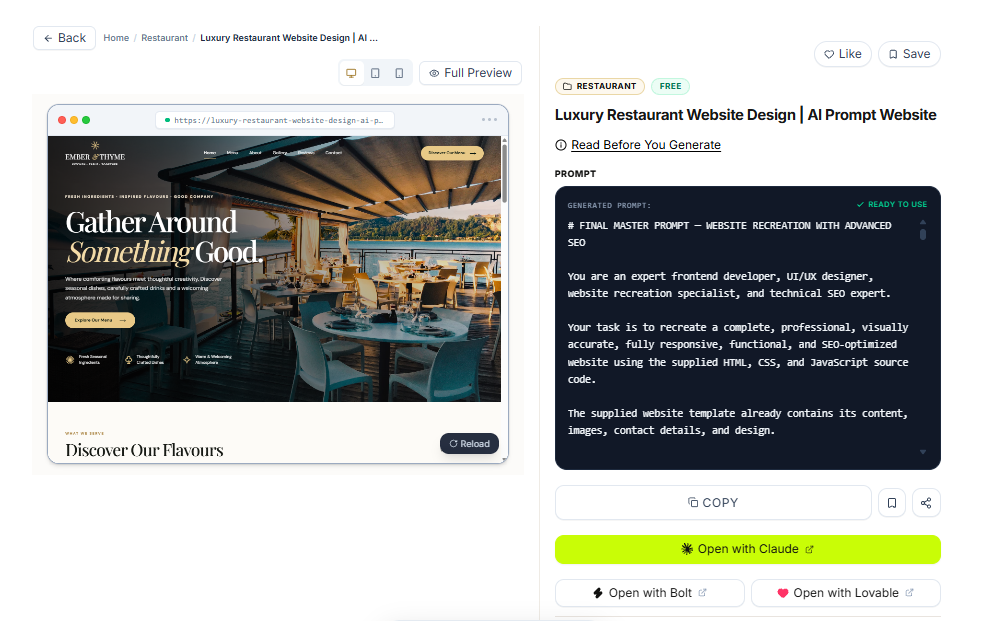
Step 5: Generate Your Personalized AI Website Prompt
After entering your website details, click the Generate Prompt button.
This is where Websites and Prompts makes the process easier.
Our platform generates a personalized AI prompt based on your selected website design and the information you've provided.
Instead of writing long instructions about layouts, colors, typography, sections, and design styles, you'll receive a structured prompt that can be used with an AI website creation tool.
Once your prompt is generated, copy it and continue to the next step.
Your selected design and website information are now combined into one personalized AI prompt.
Step 6: Paste Your Prompt into an AI Website Creation Tool
Now you're ready to create your website!
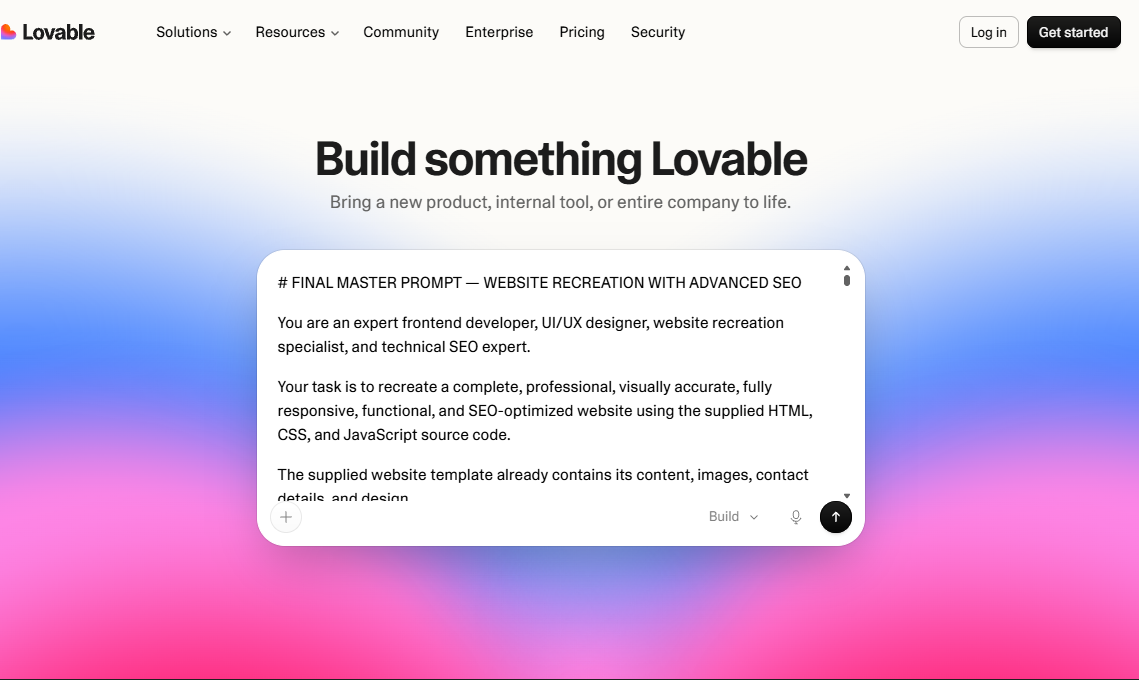
Open an AI-powered website creation tool such as Bolt, Claude, or Lovable.
Paste the prompt you generated using Websites and Prompts into the AI tool.
Submit your prompt and let the AI begin creating your website based on the instructions.
Instead of starting from scratch or spending time describing each design detail, you can begin with a prompt tailored to your selected website design.
Depending on the AI tool and the complexity of your website, the first version can be generated in just a few minutes.
One design. One personalized prompt. A faster way to create your website.
Step 7: Preview and Customize Your AI-Generated Website
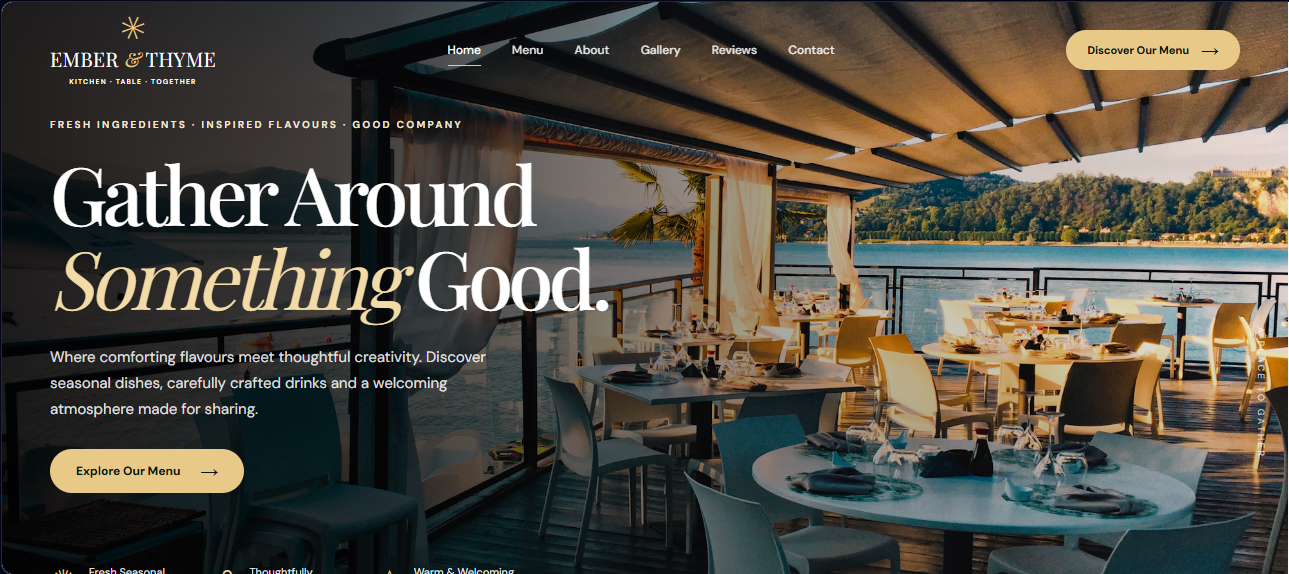
Once your AI website creation tool finishes generating the website, it's time to explore the result.
Open the website preview and check the overall design, navigation, text, images, and layout.
Test how your website looks on desktop, tablet, and mobile devices.
If you want to make changes, you can ask the AI to update specific elements, such as colors, fonts, headings, buttons, images, or individual sections.
Continue refining your website until you're satisfied with the result.
Before publishing, make sure everything works correctly and the content represents your business or project.
Congratulations! You've created the first version of your website using AI and Websites and Prompts.
Can You Really Create a Website in Just 2 Minutes?
Yes, it's possible to generate an initial website in approximately 2 minutes using a ready-to-use AI prompt, depending on the AI tool and your website requirements.
With Websites and Prompts, the process is straightforward:
Choose a Website Design → Enter Your Details → Generate AI Prompt → Paste into AI → Preview Your Website.
Instead of spending hours planning layouts and writing instructions manually, you can begin with a design that already matches your preferences.
Our platform helps simplify the prompt creation stage, allowing you to focus on your website idea rather than the technical details.
However, creating an initial website preview and publishing a complete website are two different things.
Additional customization, testing, hosting, and publishing may take more time.
The real advantage is being able to turn your website idea into an initial design without starting from scratch.
Why Choose Websites and Prompts for AI Website Creation?
AI website creation tools are powerful, but the quality of their output often depends on the instructions you provide.
A simple request like "Create a modern business website" might generate a basic design, but it may not match the style or layout you imagined.
You might need to spend additional time explaining your preferred colors, typography, navigation, sections, spacing, and visual effects.
That's where Websites and Prompts can help.
Instead of imagining every design detail and writing the instructions manually, you can begin with a website design you already like.
Our platform then generates a personalized AI prompt based on that design and your website information.
This approach offers several benefits:
Save time: Reduce the time spent writing detailed website prompts.
Explore designs: Browse different website styles before selecting one.
Personalize easily: Enter your title and description to generate a customized prompt.
No coding required to get started: Use the prompt with supported AI website creation tools.
Flexible options: Explore free designs, premium prompts, and subscription plans.
Less time writing instructions. More time creating something amazing.
Who Can Use Websites and Prompts?
Websites and Prompts is designed for people who want to create websites using AI without dealing with complicated prompt writing.
Business owners can explore website designs for their companies, services, or brands.
Freelancers and web designers can use ready-made design prompts to experiment with layouts and speed up the early stages of client projects.
Students and beginners can learn how AI-powered website creation works without needing advanced programming knowledge.
Content creators and professionals can create personal portfolios, landing pages, and websites to showcase their work.
Whether you're working on your first website or exploring new design ideas, Websites and Prompts gives you a simpler place to start.
Frequently Asked Questions
1. What is Websites and Prompts?
Websites and Prompts is a platform where you can explore website designs and generate personalized AI prompts to create websites using tools like Bolt, Claude, or Lovable.
2. Can I create a website without coding?
Yes. You can generate an AI-ready prompt using Websites and Prompts and use it with an AI website creation tool without manually writing code.
3. Is Websites and Prompts free?
Yes. Our platform offers free website designs and prompts. Premium website design prompts are also available, starting at ₹49.
4. Which AI tools can I use with the generated prompts?
You can try our generated website prompts with AI tools such as Bolt, Claude, and Lovable.
5. Can I preview a website design before generating a prompt?
Yes. Our interactive live previews allow you to explore selected designs and check how they appear on desktop, tablet, and mobile screens.
6. Can I customize the website after generating it?
Yes. You can use your chosen AI website creation tool to request changes to layouts, text, images, colors, buttons, and other website elements.
7. Can I create and publish a website in 2 minutes?
The two-minute workflow refers to generating an initial website preview. Additional customization, testing, hosting, and publishing may require more time.
8. Do I need to know how to write AI prompts?
No. That's one of the main reasons we created Websites and Prompts. Simply choose a website design, enter your details, and generate a personalized prompt.
Final Thoughts: Create Your Next Website with Websites and Prompts
Creating a website doesn't have to begin with coding, complicated design tools, or hours of writing AI instructions.
With modern AI website creation tools, turning an idea into a website is becoming easier and faster.
At Websites and Prompts, our goal is to make that starting process as simple as possible.
You can explore modern website designs, choose your favorite, add your website details, and generate a personalized AI prompt in just a few steps.
Whether you're creating a website for your business, portfolio, startup, or personal project, our platform helps you get started with a design you love.
Your website idea. Your favorite design. One personalized AI prompt.
Ready to Create Your Website in Minutes?
Explore our website design collection and discover a simpler way to create professional websites using AI.
Visit Websites and Prompts and create your next website today!